Installation
Install Scira and run the setup wizard.
Requirements
- Bun ≥ 1.2 (recommended) or Node.js ≥ 20
- API keys for your chosen LLM and search providers
Install from npm
❯ npm install -g @scira/cliOr with Bun:
❯ bun add -g @scira/cliInstall from source
If you want to hack on Scira or run the latest unreleased code:
❯ git clone https://github.com/zaidmukaddam/scira-cli.git
❯ cd scira-cli
❯ bun install
❯ bun run build
❯ bun link
First-time setup
Run the interactive wizard. It walks through provider choice, API keys, and model selection:
❯ scira initVerify everything is detected:
❯ scira doctor
❯ scira keys    # signup links for anything still missing
Run Scira
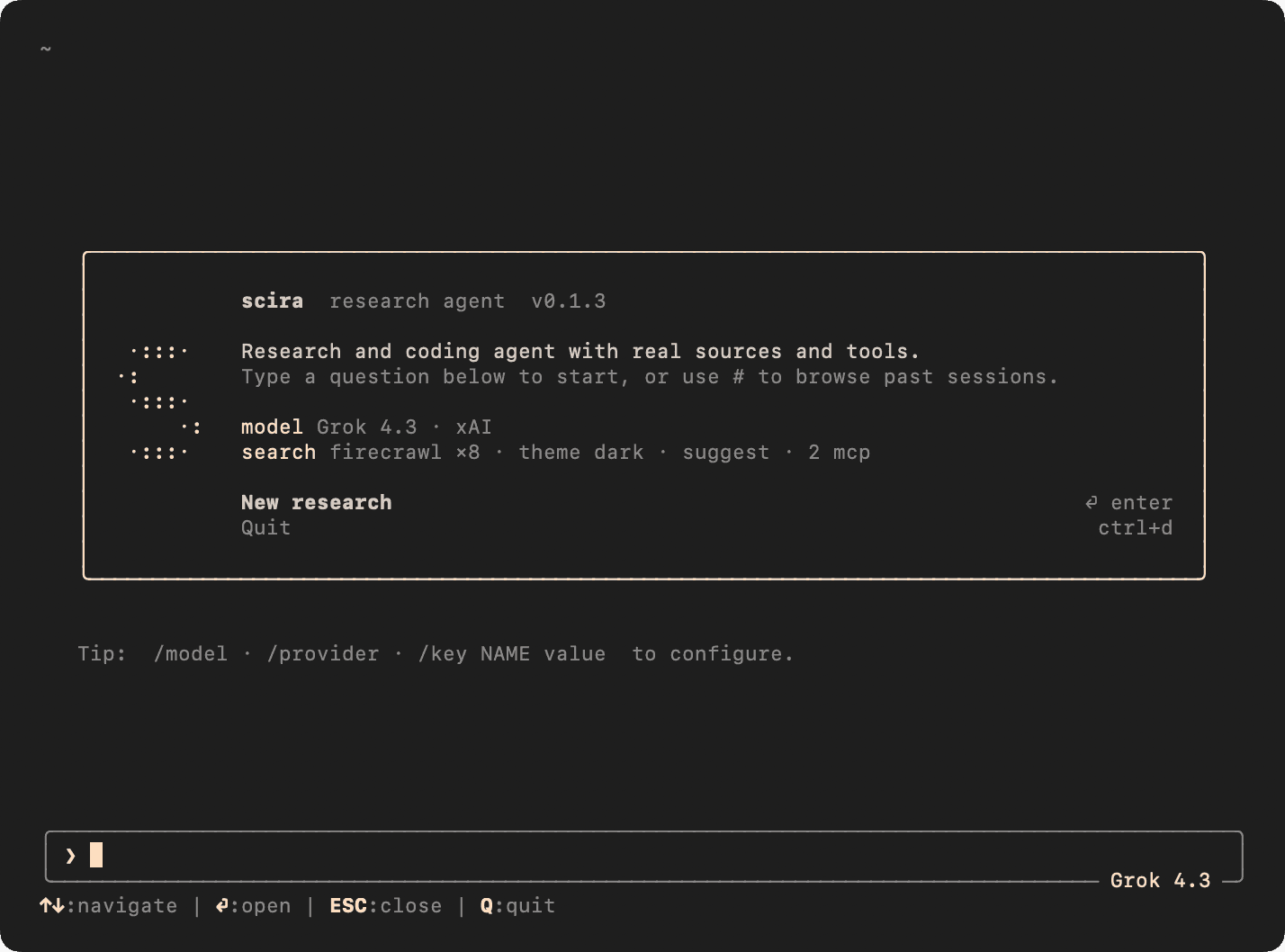
❯ scira                                               # Interactive TUI
❯ scira "compare browser automation tools in 2025"    # Headless run
❯ scira new "history of the Silk Road" --tui          # Named run in TUI
Headless vs TUI
Running scira "question" writes a complete report to .scira/runs/<id>/report.md and exits — no interaction needed. Add --tui to any scira new command to open the interactive session instead.
Verify the install
❯ scira --version
❯ scira doctor
scira doctor checks that all configured API keys are reachable and prints a table of what's working and what's missing. Fix any red rows before your first research run.